-

All Levels
-

3 Weeks
-

MIT Certification
-

Industry Immersion
-

Capstone Projects
Overview
Our AI Powered Office Automation Course equips you with practical skills to use artificial intelligence for everyday workplace tasks and productivity. Learn prompt engineering, AI-powered email drafting, report writing, documentation, meeting summaries, presentations, data analysis, research, and workflow automation using tools such as ChatGPT, Gemini, Claude, Microsoft Copilot, Canva AI, and Gamma. Gain hands-on experience with industry-relevant AI tools while learning responsible AI use, data security, and best practices to improve workplace efficiency and build job-ready skills.
- AI Office Automation Executive
- AI Productivity Specialist
- AI Automation Executive
- AI Tools Specialist
- AI Business Support Executive
- AI Content and Documentation Executive
- AI Workflow Automation Specialist

Targeted Job
Roles

Training and Methodology
Get practical AI skills by enrolling in this course -
 Hands-On AI Training - Work with AI tools and automate everyday office tasks.
- Real-World Projects - Create reports, presentations, summaries, and AI-powered workflows.
- Expert Guidance - Learn from experienced trainers and get practical support.
Why Choose This
Course?
Become an AI Productivity Professional
Build your career with our AI Powered Office Automation Course designed for beginners and working professionals. Learn prompt engineering, AI tools, email drafting, report writing, presentations, data analysis, research, and workflow automation through practical training and real-world tasks. With a structured curriculum and expert guidance, gain the skills and confidence needed to use AI effectively in the modern workplace.
Register Now-

100% Placement Assistance Program
Get dedicated support to land your dream job in digital marketing.
-

Real time projects
Work on real campaigns including SEO, ads, and social media strategies.
-

Reviews and Feedback
Improve continuously with expert guidance and performance reviews.
Skills acquired from AI Powered Office Automation Course
-

Master prompt engineering techniques to create effective AI prompts for workplace tasks.
-
Use ChatGPT, Gemini, Claude, and Copilot to improve everyday workplace productivity.
-
Create professional emails, reports, documents, meeting minutes, and summaries with AI.
-
Create engaging presentations, visuals, and workplace content using AI-powered tools.
-
Use AI for data analysis, research, information gathering, and informed decision-making.
-
Automate repetitive workflows while following responsible AI and data security best practices.
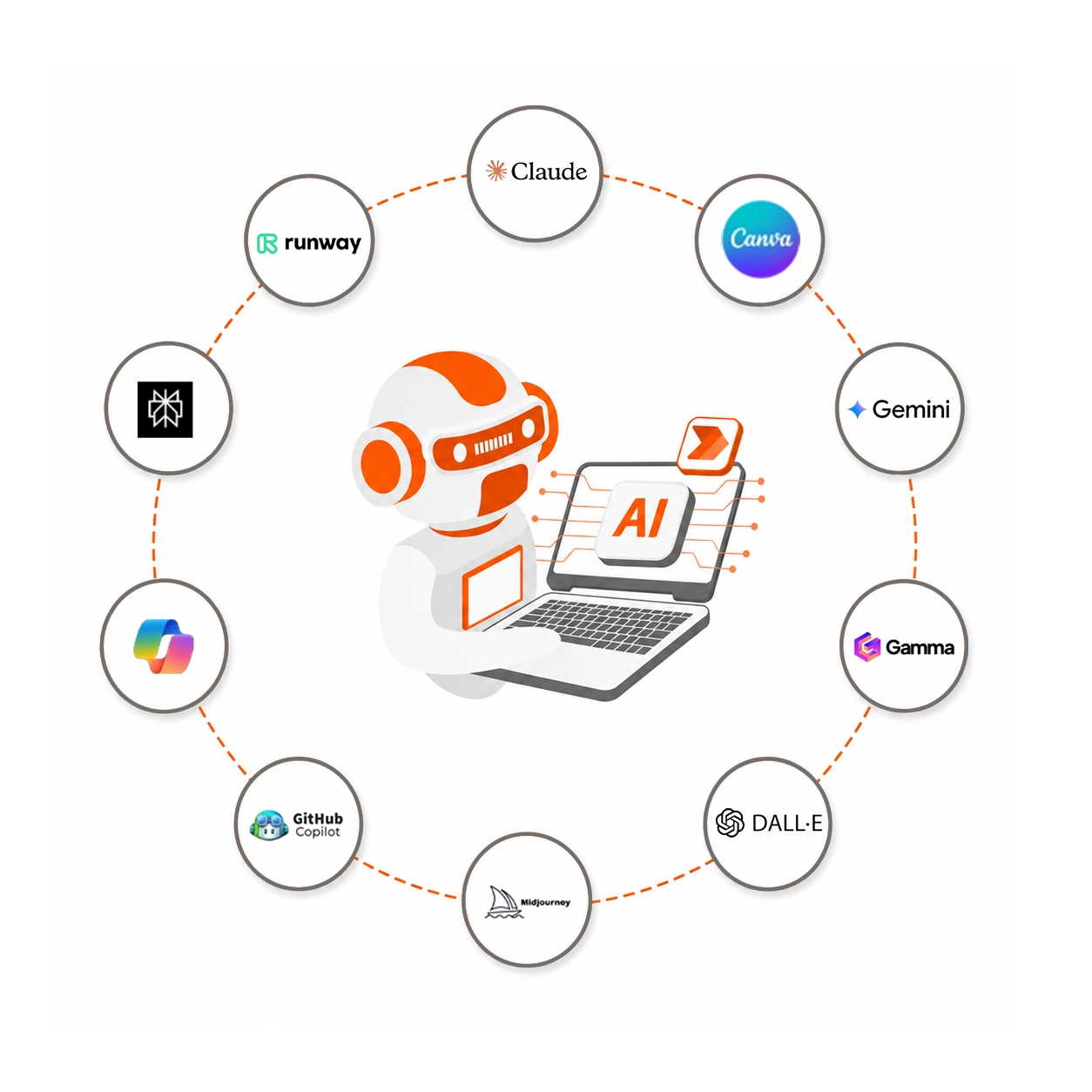
Tools & Platforms Included In AI Powered Office Automation Course












The Course Syllabus
Learn practical AI skills for workplace productivity and office automation.
Introduction to Artificial Intelligence and Generative AI
- Introduction to Artificial Intelligence
- Understanding Generative AI
AI Tools for Workplace Productivity
- ChatGPT - Text, Coding, and Learning
- Gemini - Research and Multimodal AI
- Claude - Long Documents
- Microsoft Copilot - Office and Coding
- Canva AI - Posters and Presentations
- Midjourney - AI Images
- DALL·E - AI Images
- Gamma - AI Presentations
- Suno - AI Music
- Runway ML - AI Videos
Effective Prompt Engineering Techniques
- Effective Prompt Engineering Techniques
- Creating effective prompts for workplace tasks
- Using AI tools to generate accurate and useful outputs
AI for Email Drafting and Documentation
- AI for Email Drafting and Communication
- AI for Report Writing and Documentation
- AI for Meeting Minutes and Summaries
AI for Presentations and Data Analysis
- AI for Presentation Creation
- AI for Data Analysis and Decision Support
- Canva AI for Posters and Presentations
- Gamma for AI Presentations
AI for Workflow Automation and Productivity
- AI for Workflow Automation and Productivity Enhancement
- Automating repetitive workplace tasks
- Improving workplace productivity using AI tools
AI for Research and Information Gathering
- AI for Research and Information Gathering
- Using AI tools for research and information discovery
- Perplexity for AI-powered research
Responsible and Secure Use of AI
- Responsible and Ethical Use of AI
- Data Security and Confidentiality
- Best Practices While Using AI Tools
- Understanding AI models from OpenAI, Google, Anthropic, Meta, Mistral AI, Alibaba, and DeepSeek

Want to
experience
excellence?
Build your AI skills with our AI Powered Office Automation Course. Learn practical AI tools, automate office tasks, improve productivity, and gain job-ready skills with expert training. Book your free demo today!
Access The Free Demo
Recruiters Looking for Students with AI and Office Automation Skills







Certification For This
Course
Boost your career with our AI Powered Office Automation Course. Gain practical experience using AI tools for workplace productivity, automation, communication, documentation, presentations, and data analysis. Complete your training, get an AI certification, and build the practical skills needed to enhance your career opportunities.
Register Now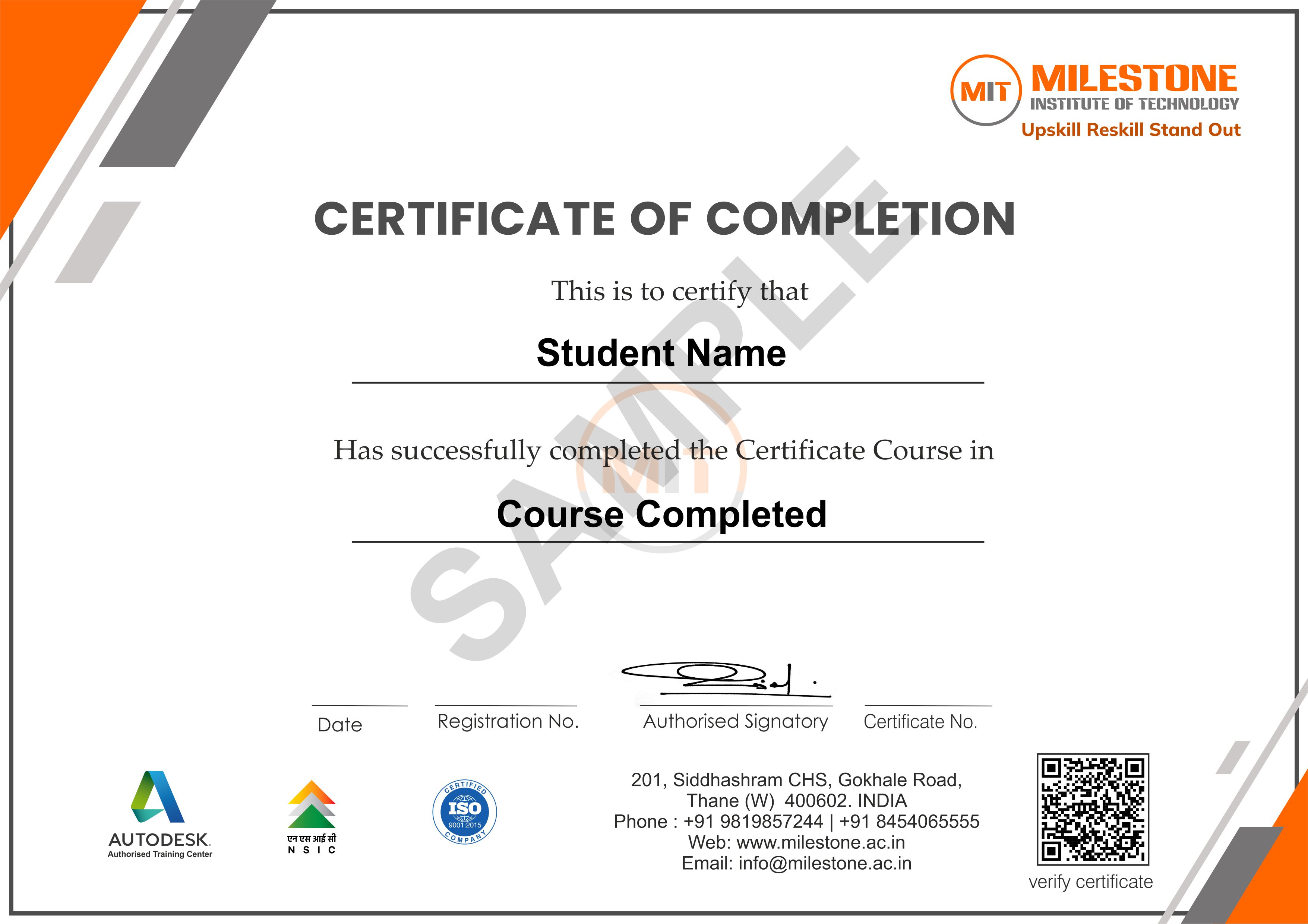

Get in touch today
What Our Students Say
-
Data Analytics training boosted my skills and confidence, helping me secure placement at Technimont.
Amruta Pal
-

As a beginner, I was scared at first, but MIT’s training program and structure made me confident.
Nikita Chaudhary
-
I feel highly confident in my skills and would definitely recommend MIT for a Data Analytics Course.
Rushikesh Kale

Frequently Asked Questions
Find answers to the most common questions about our AI Powered Office Automation Course, including AI tools, prompt engineering, workplace productivity, automation, certification, practical training, and career opportunities.
-
Who can join the AI Powered Office Automation Course?


Anyone who has completed 10th, 12th, diploma, graduation, or is a working professional can join this course. It is ideal for students, job seekers, office professionals, entrepreneurs, and anyone who wants to improve workplace productivity using AI.
-
What topics are covered in the AI Powered Office Automation Course?
The course covers Artificial Intelligence, Generative AI, AI tools for workplace productivity, prompt engineering, AI-powered email drafting, report writing, documentation, meeting summaries, presentation creation, data analysis, decision support, workflow automation, research, responsible AI use, data security, and confidentiality.
-
Which AI tools will I learn in this course?
You will learn to use popular AI tools including ChatGPT, Gemini, Claude, Microsoft Copilot, Canva AI, Midjourney, DALL·E, Gamma, Suno, Runway ML, GitHub Copilot, and Perplexity for different workplace and productivity tasks.
-
Will I learn prompt engineering?
Yes. The course includes Effective Prompt Engineering Techniques to help you create clear and effective prompts, improve AI-generated outputs, and use AI tools efficiently for everyday workplace tasks.
-
Can AI help me with everyday office work?
Yes. You will learn how to use AI for email drafting, report writing, documentation, meeting minutes, summaries, presentations, research, data analysis, decision support, and workflow automation to improve everyday workplace productivity.
-
Will I receive an AI certification after completing the course?
Yes. After successfully completing the course, you will receive an AI certification from Milestone Institute of Technology, validating your practical knowledge of AI-powered office automation and workplace productivity.
-
Does the course include practical training?
Yes. The course focuses on practical use of AI tools for workplace tasks, including creating emails, reports, presentations, summaries, analyzing data, conducting research, and improving workflows and productivity.
-
What career opportunities are available after completing the course?
After completing the course, you can apply your AI and office automation skills in roles such as AI Productivity Specialist, AI Automation Executive, AI Tools Specialist, AI Business Support Executive, AI Content and Documentation Executive, and AI Workflow Automation Specialist.
